Get the work email for the person you want to reach.
Start with a LinkedIn profile or your own contact list. RioPulse finds available work email information and runs it through verification checks before you use it.
 SMTP verifiedCatch-all checked
Guessing email formats isn't a plan
You know the person. You know where they work. So you try firstname@, then f.lastname@, then something else, and hope one lands.
A wrong guess bounces. Enough bounces and your outreach starts to suffer for it. What you need is the address they actually use at work, checked before you hit send.
- firstname@ bounced
- f.lastname@ bounced
- The address they use at work: still unknown
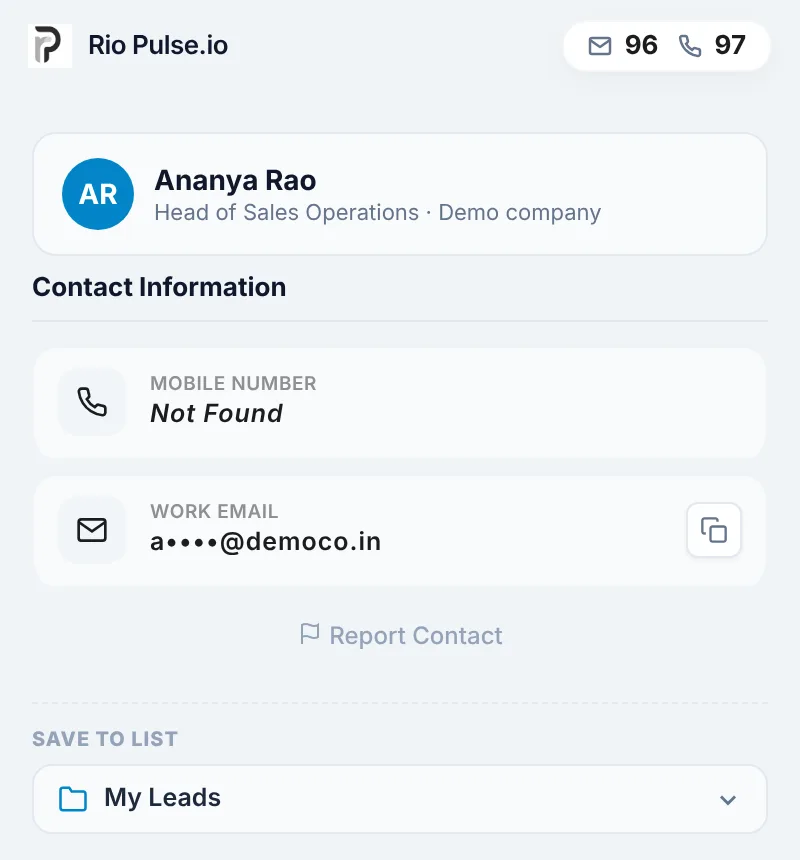
Same profile. Now with a work email you can use.
Drag the handle across the profile.
And the company switchboard, for the phone.
 RioPulsecredits 96 · 97
Drag the handle, or focus it and use the arrow keys.
How RioPulse finds a work email
One enrichment, several checks, then an address you can use.
A LinkedIn profile in the Chrome extension, or your own list. List upload is on Business and Scale plans.
RioPulse looks for the work email information available for that person.
A check with the email server on whether the address can receive mail.
Extra verification for domains that accept mail for any address.
Save to My Leads, then export to CSV or CRM when your plan includes it.
You'll install the Chrome extension after you sign up and log in.
Checked before you send
Every work email RioPulse returns goes through more than one check.
So one source isn't the only word on an address.
SMTP verification, plus additional checks for catch-all domains.
Work emails, for work conversations
A work email is the address a professional uses at their company, usually on the company's own domain. It's where business conversations are meant to happen.
RioPulse focuses on work emails for B2B outreach: sales conversations, founder-led outbound and recruiting.
Wrong email? Get the credit back.
If a work email you enriched turns out to be incorrect, report it. We review every report, and if the email is confirmed incorrect, the credit goes back to your work email credit balance.
Read the Refund Protection PolicyUse Report Contact on the enriched contact.
Our team checks every report.
The review confirms the email is wrong.
To your work email credit balance.
Need to call them too?
The same enrichment can return a direct mobile number for the person, so your team can email or call. Phone credits are separate from work email credits on every plan.
Explore Direct Dial Finder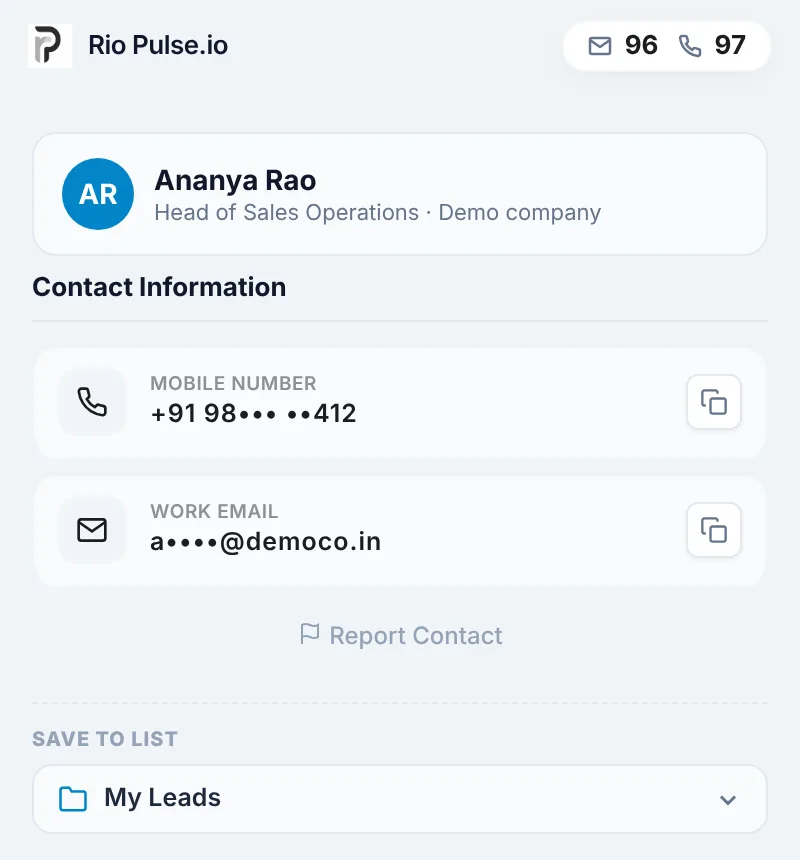
Saved, searchable and ready to export
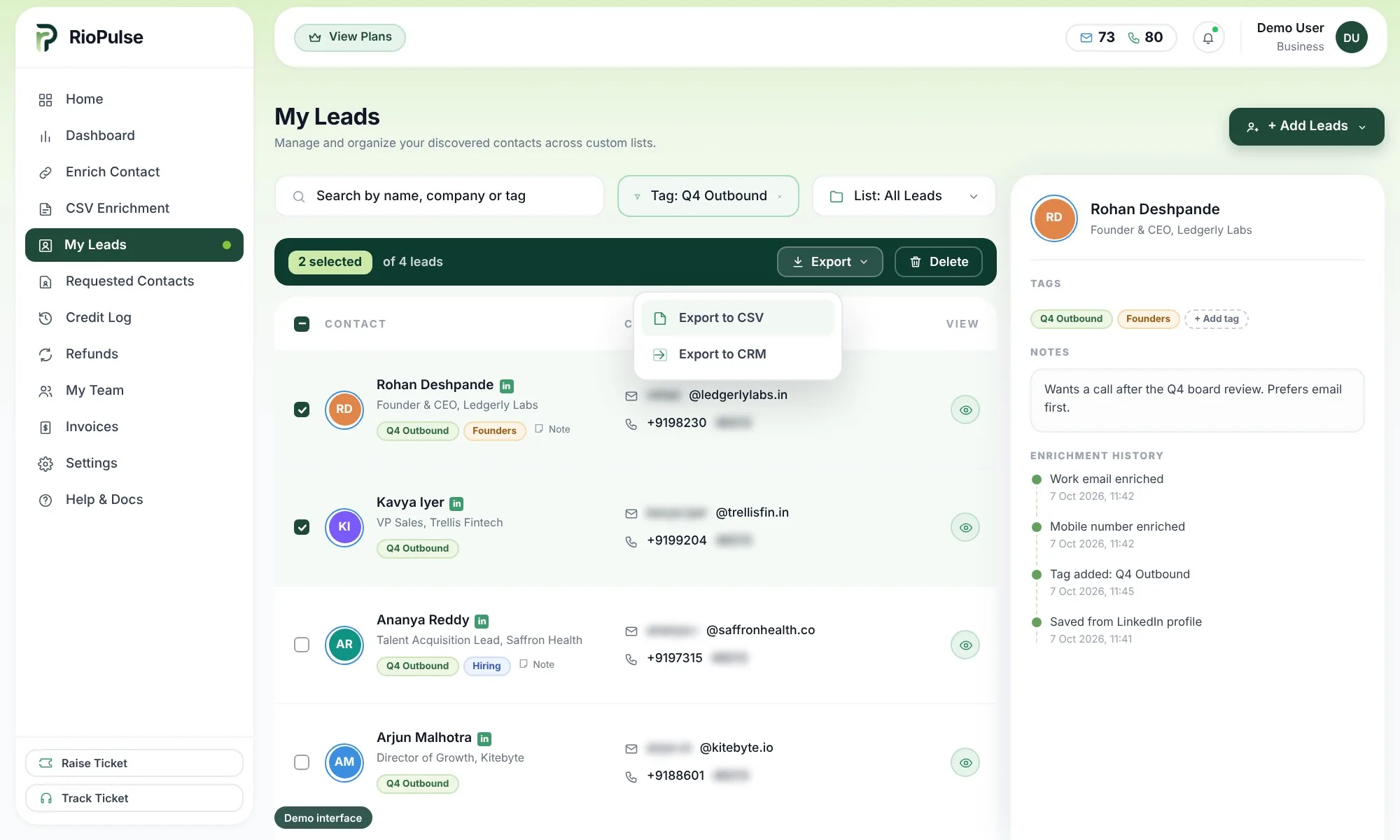
Save enriched contacts to My Leads and keep every work email in one place.
- Save and view enriched contacts
- Search and filter
- Tags and notes
- Enrichment history
- Export to CSV or CRM on Professional, Business and Scale plans
Work email credits on every plan
| Plan | Work email credits / month | Monthly price | Work email credits / year | Annual price |
|---|---|---|---|---|
| Starter | 40 | ₹1,999 | 600 | ₹22,999 |
| Professional | 100 | ₹4,999 | 2,000 | ₹59,999 |
| Business | 300 | ₹9,999 | 5,000 | ₹1,39,999 |
| Scale | 600 | ₹19,999 | 10,000 | ₹2,50,000 |
| Custom | Custom volume | Talk to us | Custom volume | Talk to us |
Every plan also includes the same number of phone credits.
See full pricingWork email questions
What does the RioPulse Work Email Finder do?
Will RioPulse find a work email for every person?
How accurate are RioPulse work emails?
What is SMTP verification?
What happens with catch-all domains?
Does RioPulse send emails for me?
What if a work email is wrong?
Can I enrich a list of contacts at once?
Can I export work emails to my CRM?
Other ways to reach the people you chose
Direct Dial Finder
The direct mobile number for the business contact you want to call.
LinkedIn Contact Enrichment
Open a profile, open the side panel, reveal the contact.
Bulk Contact Enrichment
Upload the list you already have. Get it back enriched in My Leads.
Know the person? Get the work email.
Start with a profile or a list, and get work emails checked before you use them.